In today’s class, we covered the use of H5P to make interactive videos. I thought that this could be quite useful for maintaining students’ attention on the videos I publish and will also be a good way for students to monitor their own learning. I would probably not make the video using Zoom, partly because I am used to using other software for screen recording and also because I could not mute Zoom while I recorded my video and tried to figure out what I was supposed to do. I think it would be fun to test the limits of H5P to see if I could use it to make interactive games in the way I have done with PowerPoint:
I have found that students attend better to a lesson when they are not given the “death-by-PowerPoint” that comes from loads of text-heavy slides. I felt that the video by Dr Ray Pastore matched with what I have already learned through giving slide presentations. I think that the interactivity that he mentioned at the end of his video is important too. If there is nothing to which the students can interact, they may well disengage entirely. The age-appropriateness of this tool depends on what material is covered. The interactivity of the videos for most students may not be shared by students with disabilities. That being said, it is a useful tool and the use of interactive materials is supported in this article here:
I appreciated Sebastian’s YouTube hack of placing a – before the T in the web address to block the ads. This will help me when I am not at home and do not have my ad blocker.
Photo by Ben Wicks on Unsplash. Showing the punts at Quayside in Cambridge. These boats were my training for public speaking. These particular boats are lighter than the slightly larger “Baby Behemoths” that we also used at Scudamore’s.
Class Summary
Today, we discussed the documentary Most Likely to Succeed (2015) in breakout rooms. We also talked about privacy and the FIPPA, using creative commons and how to incorporate images in our posts and credit them, and about our projects with our learning pods.
Blog Prompts:
Do we need to re-imagine education?
Education should be adapted to prepare students for life in today’s world. Today’s world is constantly changing and change of how and what we teach students is necessary for their success. Wholesale, revolutionary change of how education is practised, however, is dangerous because of the risk of introducing untested and ineffective ways of teaching. The first students to be subjected to a new method may be let down by it. It is better to make incremental changes, discarding what is no longer effective and modifying useful practice to improve it. Additionally, as discussed in our break-out room, innovation is good, but not at the expense of core skills.
2. What obstacles to educators face when they try to change pedagogy?
Changing pedagogy is likely to meet resistance from parents and from teachers who are accustomed to the old way of teaching. Parents, who expect a letter grade rather than the proficiency scale, are frustrated when they are told that the letter grade is not the same thing. When their child comes home with a “proficient” grade, they understand it as a B and are frustrated when they see that their child has achieved a high score on their tests and assignments.
For teachers, discarding old ways of teaching that have worked well for them in the past, reworking whole units in order to make them conform to a new way and introducing methods that have not been proven or whose results are different from previous methods is a lot of work; a lot of work for something which may be discarded in turn when its efficacy is disproved. Incremental change is thus better than revolutionary change so that each modification can be seen as an improvement and not an upending of the system.
It is also likely that if a big change is seen to be political, it will meet resistance from those who are ideologically opposed to it. They will not see it as a way to more effectively teach and learn, but as a government-imposed brainwashing project. Incremental change is better.
3. Why is Privacy important in our classrooms?
Privacy is important in our classrooms because we are teaching minors. Any pictures published could be used by adult predators or by the students’ peers for bullying. Likewise, students’ work could be used to gather information on the students by outside actors to harm them. The students may also be inhibited if they know that everything they do is going to be released to the public. If embarrassing material (immature behaviour and opinions, and uncurated presentation, &c.) is released, it could follow them beyond the classroom and into later life. A dodgy statement made in jest could later ruin their career.
I have decided to take up a project I had intended to do over the Christmas Break, but had to abandon. I wanted to make a pixel animation of the Bandura Bobo doll experiments that might be fun to include in our presentations in psychology. I plan to use Pixelorama, which is a free pixel-animation software that I have used before. The version I am using is v1.05-stable.
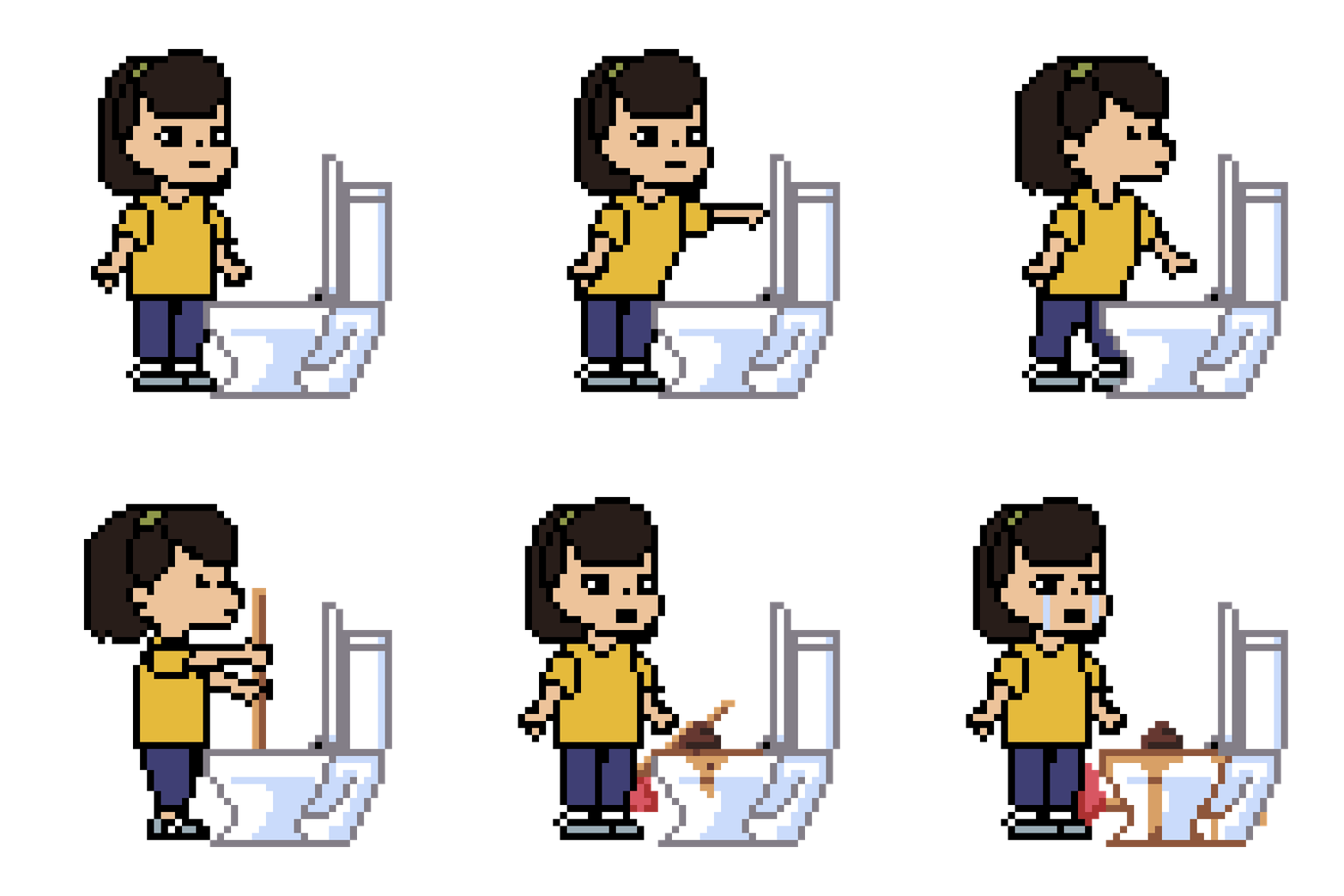
Previously, I have used this in my classes when I taught middle school students in Gwangju, Korea. Here are some examples:
This is a .gif I used to illustrate what a character might be thinking. I was teaching from the Rocket Girl series, in which the main character is a superheroine who conceals her identity from her friends. She excuses herself to the toilet to change into her costume, but leaves the school. One of her friends remarks on her long absence, thus this sprite.
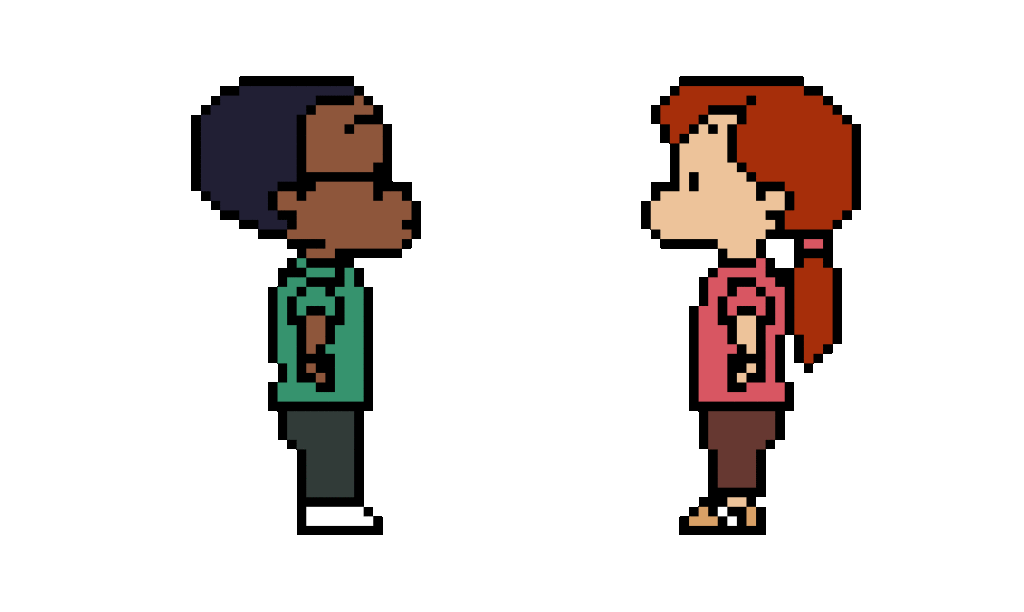
I like to start characters by making a rotating T-pose. This gives me multiple perspectives of the character, which are fairly easy to modify. The Rocket Girl characters all started as spinning T-pose characters.
I then modified them for my classes. The .gif below was created for an icebreaker exercise. When teaching students for whom English is an L2, I find it is better to show them what to do with a minimum of text.
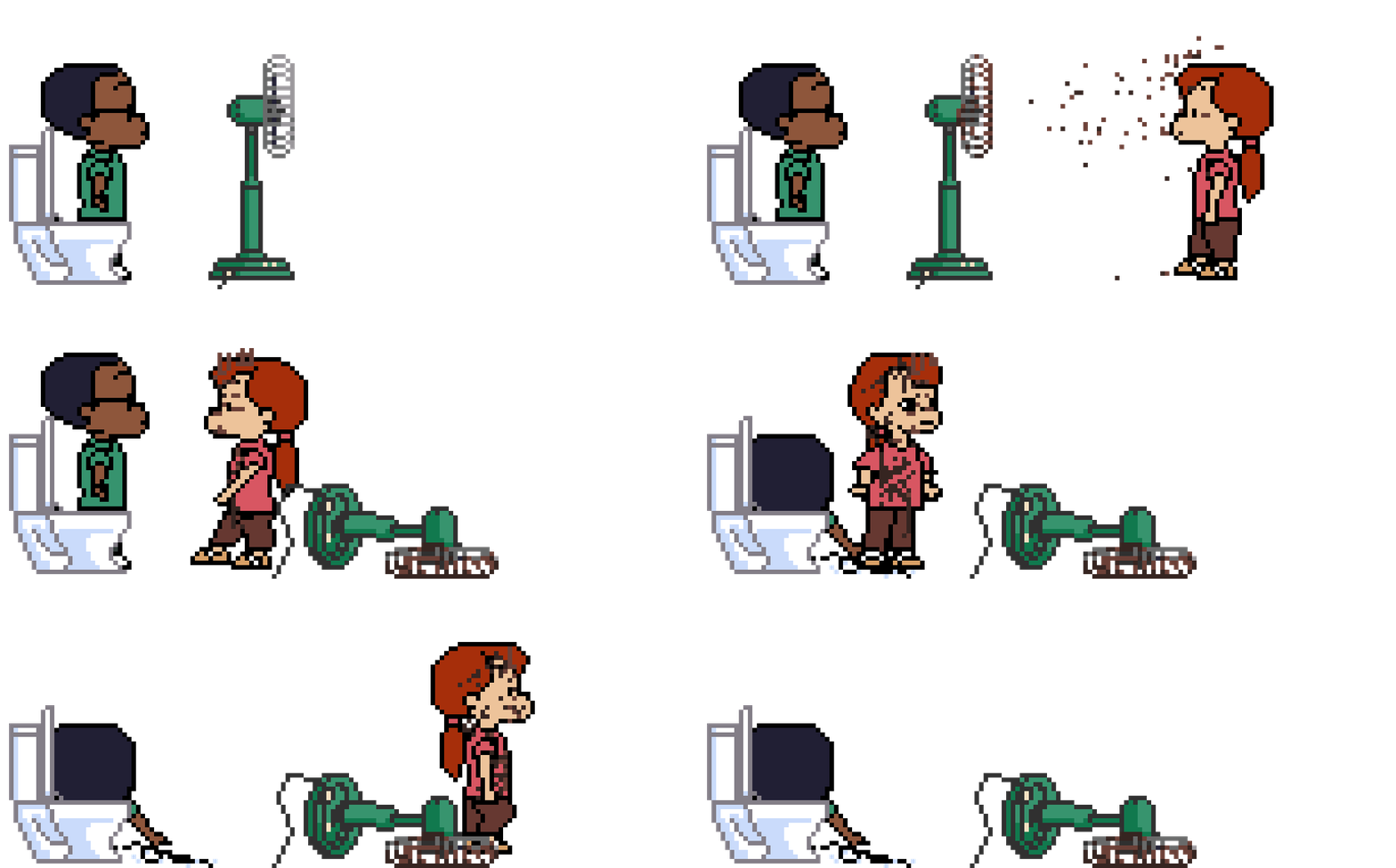
This one started as an illustration for the idiom, “When the shit hits the fan,” but I extended it and used it as a slide to introduce when we were to play a game.
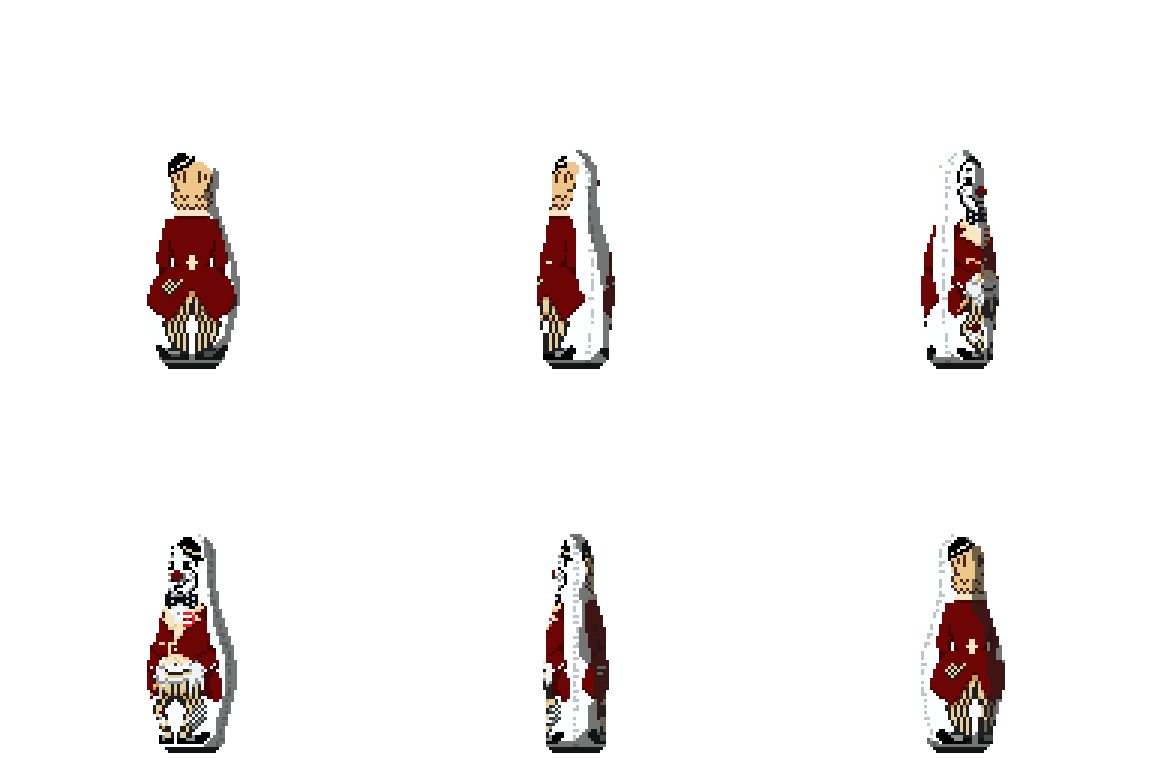
For my Bandura .gifs, I am going to make the sprites of higher resolution. I also want to have a more 3D feel, with action happening in depth. So far, I have made a sprite for the Bobo doll. It only spins currently, but I am quite pleased with its resemblance to the original and the smoothness of its movement. The shadow, which is on a separate layer in the original file, is a little dark and not quite in line with what I have in mind, but I shall leave it for now.
Before proceeding with this first blog post, we expect you to consider your privacy preferences carefully and that you have considered the following options:
Do you want to be online vs. offline?
Do you want to use your name (or part thereof) vs. a pseudonym (e.g., West Coast Teacher)?
Do you want to have your blog public vs. private? (Note, you can set individual blog posts private or password protected or have an entire blog set to private)
Have you considered whether you are posting within or outside of Canada? This blog on opened.ca is hosted within Canada. That said, any public blog posts can have its content aggregated/curated onto social networks outside of Canada.
First tasks you might explore with your new blog:
Go into its admin panel found by adding /wp-admin at the end of your blog’s URL
Add new category or tags to organize your blog posts – found under “Posts” (but do not remove the pre-existing “EdTech” category or sub-categories, Free Inquiry and EdTech Inquiry). We have also pre-loaded the Teacher Education competencies as categories should you wish to use them to document your learning. If you would like to add more course categories, please do so (e.g., add EDCI 306A with no space for Music Ed, etc.)
See if your blog posts are appearing on the course website (you must have the course categories assigned to a post first and have provided your instructor with your blog URL)
Add pages
Embed images or set featured images and embed video in blog posts and pages (can be your own media or that found on the internet, but consider free or creative commons licensed works)
Under Appearance,
Select your preferred website theme and customize to your preferences (New title, etc.)
Customize menus & navigation
Use widgets to customize blog content and features
Delete this starter post (or switch it to draft status if you want to keep for reference)
Do consider creating categories for each course that you take should you wish to document your learning (or from professional learning activities outside of formal courses). Keep note, however, that you may wish to use the course topic as the category as opposed to the course number as those outside of your program would not be familiar with the number (e.g., we use “EdTech” instead of “edci336).
Lastly, as always, be aware of the FIPPA as it relates to privacy and share only those names/images that you have consent to use or are otherwise public figures. When in doubt, ask us.
Please also review the resources from our course website for getting started with blogging: